Rules of the game
ONLINE version
The City, Country, River game is a common children's game remembered by many. You will have a lot of fun playing the game at home with children or friends. The game is also a great companion for the road, celebrations, teambuilding, at school and is an ideal gift for those who love knowledge games. During the game, you develop your vocabulary and train your memory.
Online version of the game City, Country, River. Play with friends and improve your vocabulary in any of the 40 supported languages.
Play game
City, Country, River
Aim of the game
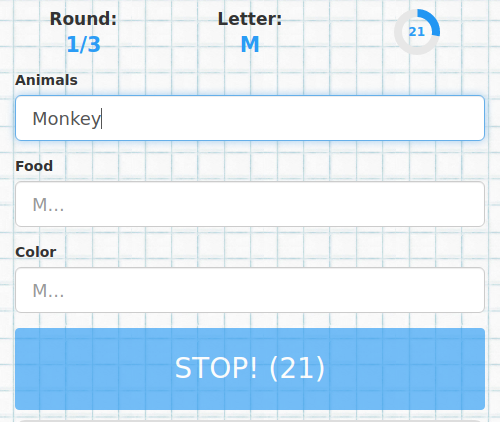
The aim is to find and write words that match the selected categories and start with the chosen letter. The game is played in rounds; players earn points for valid words. The player with the most points wins.
Scoring
- Empty field = 0 points.
- Same word as another player = 5 points.
- Unique answer = 10 point.
- Answer only from you = 15 point.
Offline version (print & play)
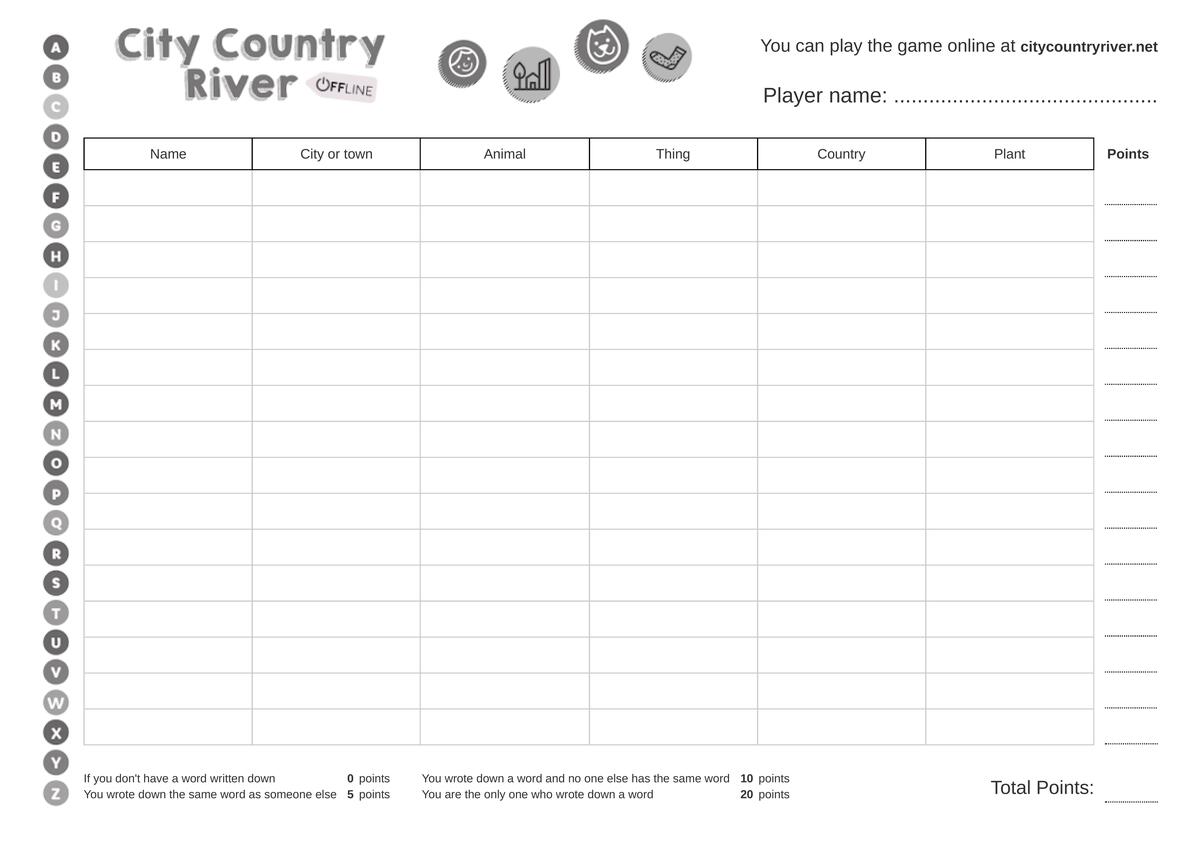
- After you set up the categories for the online game, you can use this feature to print the game sheets and play with the selected categories offline using paper and pencil.
How to start a game
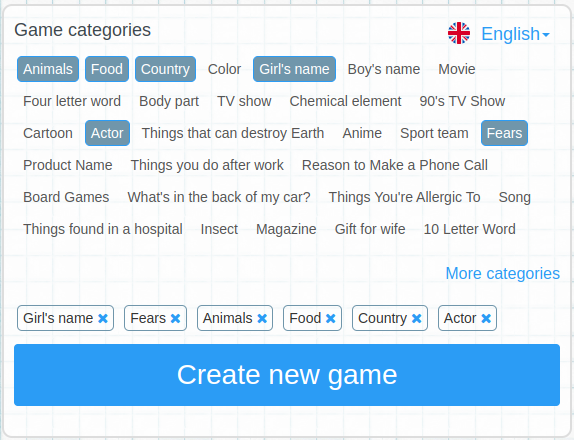
- On the New Game page, select the categories you want to play and click Create New Game.
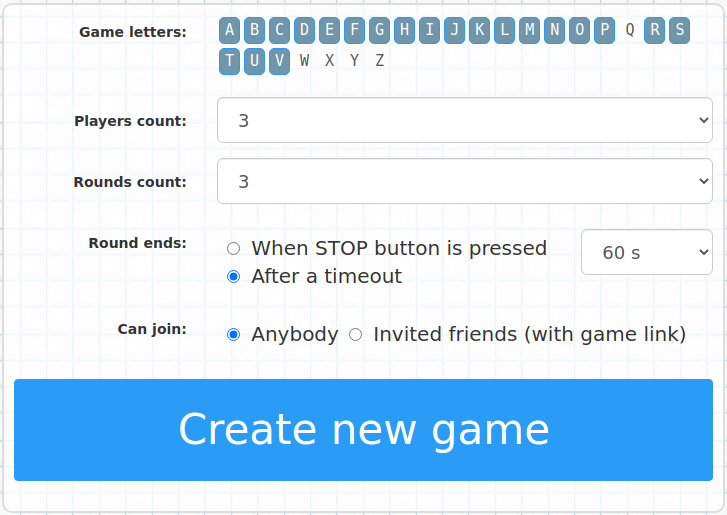
- After clicking Create New Game, choose the additional settings:
- Game letters – Letters that may be used in each round.
- Number of players – Set the maximum number of players. The game can start even if fewer players are connected.
- Number of rounds
- Ending a round – A round ends either by the first player pressing the STOP button or automatically when the time limit runs out.
- Max time to confirm words – You can set the maximum time for confirming words, so the game does not get prolonged by inactive players who do not confirm their words.
- Who can join – Choose whether anyone can join or only players you invite via a link.
Advanced options

- Game Master Mode: Take control of the game
- Game Master Mode is perfect when you need more control, such as in classrooms, family game nights, or team-building events. The Game Master decides when to stop the round and who validates answers, keeping the game smooth and organized.
- You can find this feature in Advanced Options when creating a new game. It’s available for registered players and gives you the control needed to keep the game on track.
- Scheduled game start: Automatic start at a selected time
- This feature allows you to create a game in advance, set an exact time for automatic start, and let players join early. It is ideal for team building events, school lessons, workshops, corporate activities, and other organized game sessions where you want everything prepared without manual starting.
- Require Login: Secure your game
- Enable Require Login to allow only registered players to join. Ideal for private or organized sessions. You’ll find this option in Advanced Options.
- Allow custom nickname:
- Available only for private games. Sometimes it's better to use player-chosen nicknames instead of random ones. This option allows that.
- Use AiChecker: Enable word descriptions
- This option shows short descriptions for words frequently used by players, along with a brief explanation of why the word fits (or doesn't fit) the selected category. Voting remains up to the players.
How to invite opponents to the game
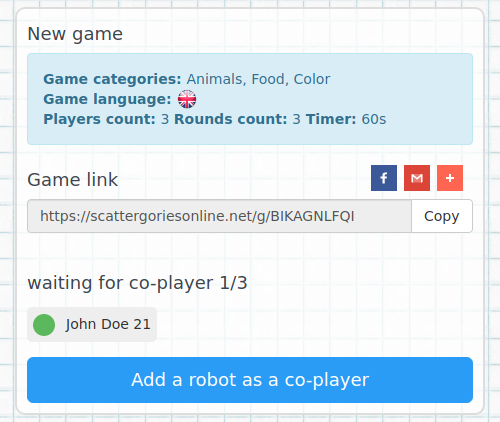
- After creating a new game, you have to wait for your opponents to connect. You can invite players using the displayed link.
- If you have no one to play with, you can play against a robot. The robots only use words that have been entered by other players in the past and have been evaluated as valid.
- The quality of a game with robots depends on how many invalid words were marked by other players. Please mark invalid words from other players to improve the quality of the robots.
- When the game starts, players fill in the words for each category as quickly as possible. The words start with a letter that was randomly selected from the game letters picked when the game started.
- At the end of each game round, you can mark the invalid words of other players. If a majority of players mark a word as invalid, the word will not count.
- The game ends after the set number of rounds.
- At the end of the game, points are awarded for completed words according to the scoring rules.
- The player with the most points wins.
Hall of Fame
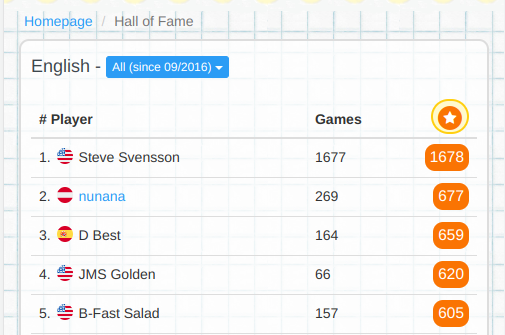
The results of all registered players are displayed in the halls of fame. Hall of Fame player scoring is based on how many other players you have beaten in your games who have completed the game to the very end. Points cannot be earned for bots and players who have not completed the game.
Example: A game for 10 players. 6 players will be logged in, 2 will play as guests, and 2 will be bots. If all players stay in the game until the end, the first player gets 8 points, the second 7 points, the third 6 points, etc. But if only 6 players finish the game and two of them leave the game, the first player can get a maximum of 6 points.
OFFLINE version (With paper and pencil)
Download free PDF templates for City, Country, River. Each template contains an alphabet for the game and preset categories. But that's not all! Our template generator also allow you to easily create your own categories and game template according to your wishes. The game is designed for two or more players and has a black and white design that saves your printer's colors. Print the PDF template and enjoy endless fun!