Five play, the rest of the class judges
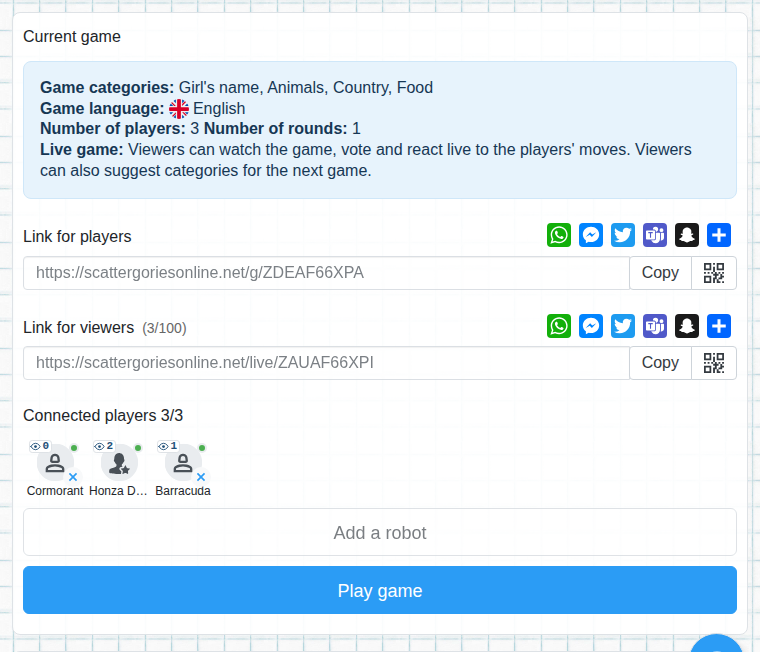
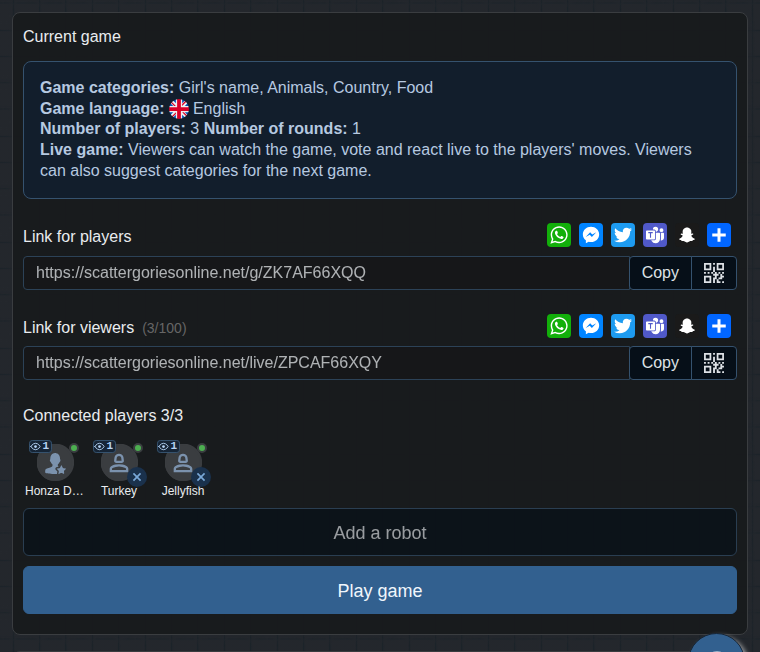
Not everyone needs a phone. Turn on Audience game when you create the game: a few pupils, for example five, play and the others watch.
For teachers
A ten-minute word game that costs nothing. Students play on their phones without registration, you run the game and choose the categories to match the lesson. For lessons without devices there is a paper version.
Create a game for the class Free printable PDF
Students play on phones without registration, the teacher runs the game.
Children play in pairs on one phone.
A quick game at the start or end of a session. Without phones: the paper version.
Vocabulary practice in 48 languages.
Not everyone needs a phone. Turn on Audience game when you create the game: a few pupils, for example five, play and the others watch.
Show the QR code on the projector. Pupils scan it with a phone, no account and no app needed.


Viewers see live what the players write, so nobody is left out.
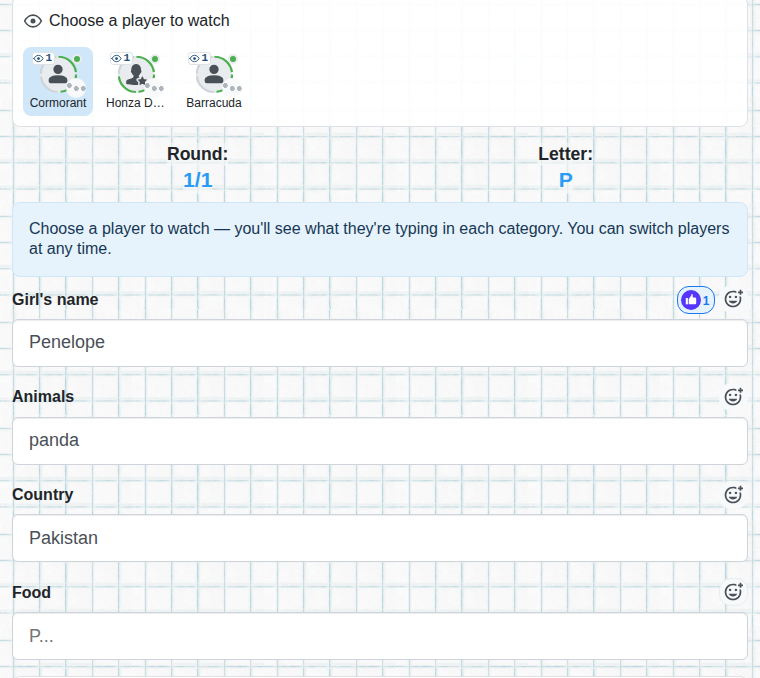
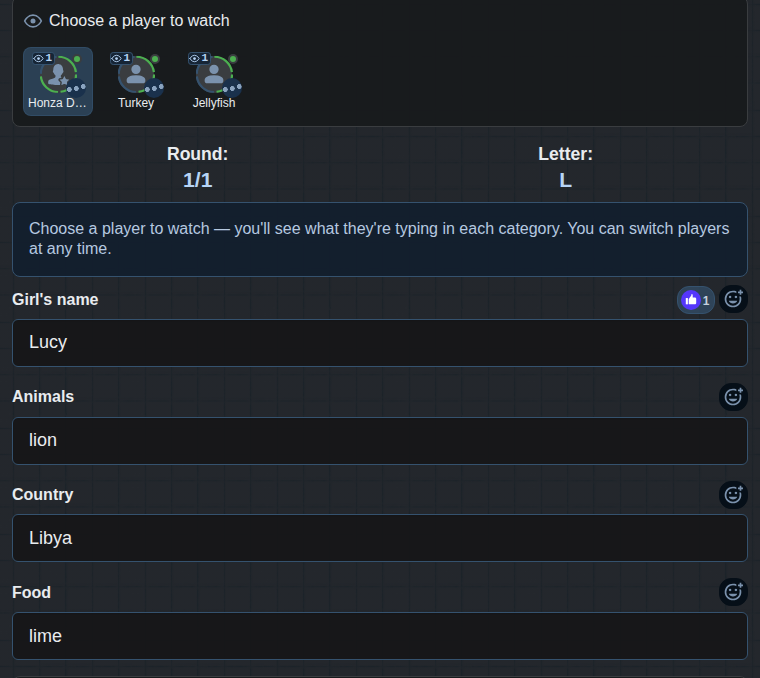
Viewers vote on each word: is it valid or not? Their votes count together with the players' votes, so the whole class talks about the answers.
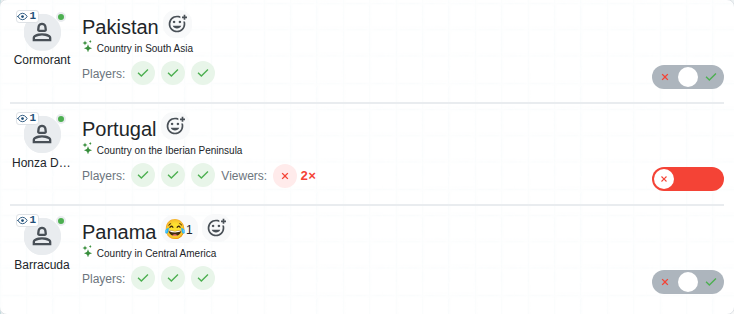

You turn these on in the advanced options when creating a game. The teacher logs in, the students don't.
You set the time the game starts by itself. Students join in advance and the game starts without waiting.


You end the rounds and decide on disputed words.
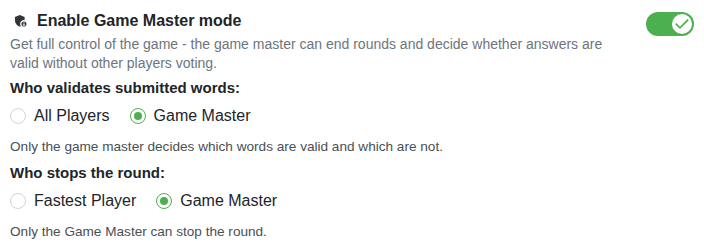
So that everybody has the same amount of time and the game keeps moving, set a fixed time for the round. The round ends when the time runs out and you move on together.


The game won't be held up by students who don't confirm the results.


Part of the class plays, the rest watches and votes. More about the audience game.


No. They join with a link or a QR code. A teacher who wants the advanced features logs in.
Play in pairs, or turn on the audience game: part of the class plays and the others vote. For lessons without devices there is a paper version.
Yes, you add your own categories or choose them from the dictionary. For paper there is the PDF generator.
Yes, the game has ads that help with the running costs.