Fixed game start
Send the link in advance and the game starts by itself at the agreed time. Everybody joins and nobody waits.


For teams and companies
A quick game to warm up a meeting, an online Friday afternoon or a company event. You play on phones and in the browser, with no installation, and in ten minutes it is clear who has the fastest head. For big events turn on the live game.
Create a game for the team Free printable PDF
Five minutes, one game, then back to the agenda. Everybody laughs and is “in it”.
The team meets on a video call, everybody plays in their own browser and the points are counted automatically.
Several teams play, the rest of the company watches and votes on the words. Live game
A game at the table between food and conversation. Split into teams and let them compete for the most original words.
Send the link in advance and the game starts by itself at the agreed time. Everybody joins and nobody waits.
People play under nicknames they choose themselves. More fun.


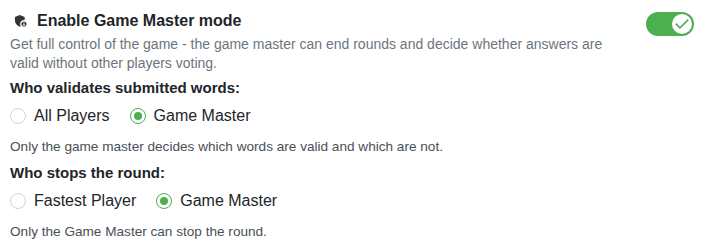
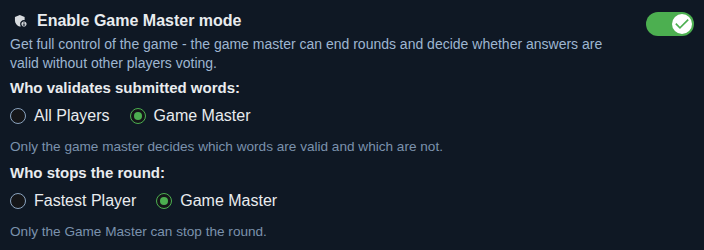
The facilitator ends the rounds and decides on doubtful words.
So that the game isn't held up by someone who doesn't write and everybody has the same amount of time, set a fixed time for the round. The round ends when the limit runs out and the game runs at the pace you set.


Want the game just for your company? Requiring login restricts access.


The other colleagues can watch the game, vote and send reactions.


Yes. Everybody plays in their own browser and the video call is for chatting and sharing the screen.
No. A link is enough. The facilitator logs in if they want the advanced features.
From two players. For big events turn on the live game, where the others watch and vote.
The classics, or add your own from the company world: colleagues, products, abbreviations, clients.